Your cart is currently empty!
How to Use FluxBuilder’s Theme Builder to Design Custom WordPress Headers and Footers

Your website’s header and footer appear on every single page — they’re arguably the most important elements of your entire site’s design. With FluxBuilder’s Theme Builder, you can design pixel-perfect custom headers and footers visually, without touching a single line of code.
Requirements
- FluxBuilder Pro (Theme Builder is a Pro feature)
- A WordPress theme compatible with FluxBuilder (most themes qualify; a minimal blank theme gives maximum control)
Part 1: Building a Custom Header
Step 1: Create a New Header Template
- Go to FluxBuilder > Theme Builder.
- Click Add New Template and choose Header.
- Give it a name like “Main Header” and click Create Template.
Step 2: Design Your Header Layout
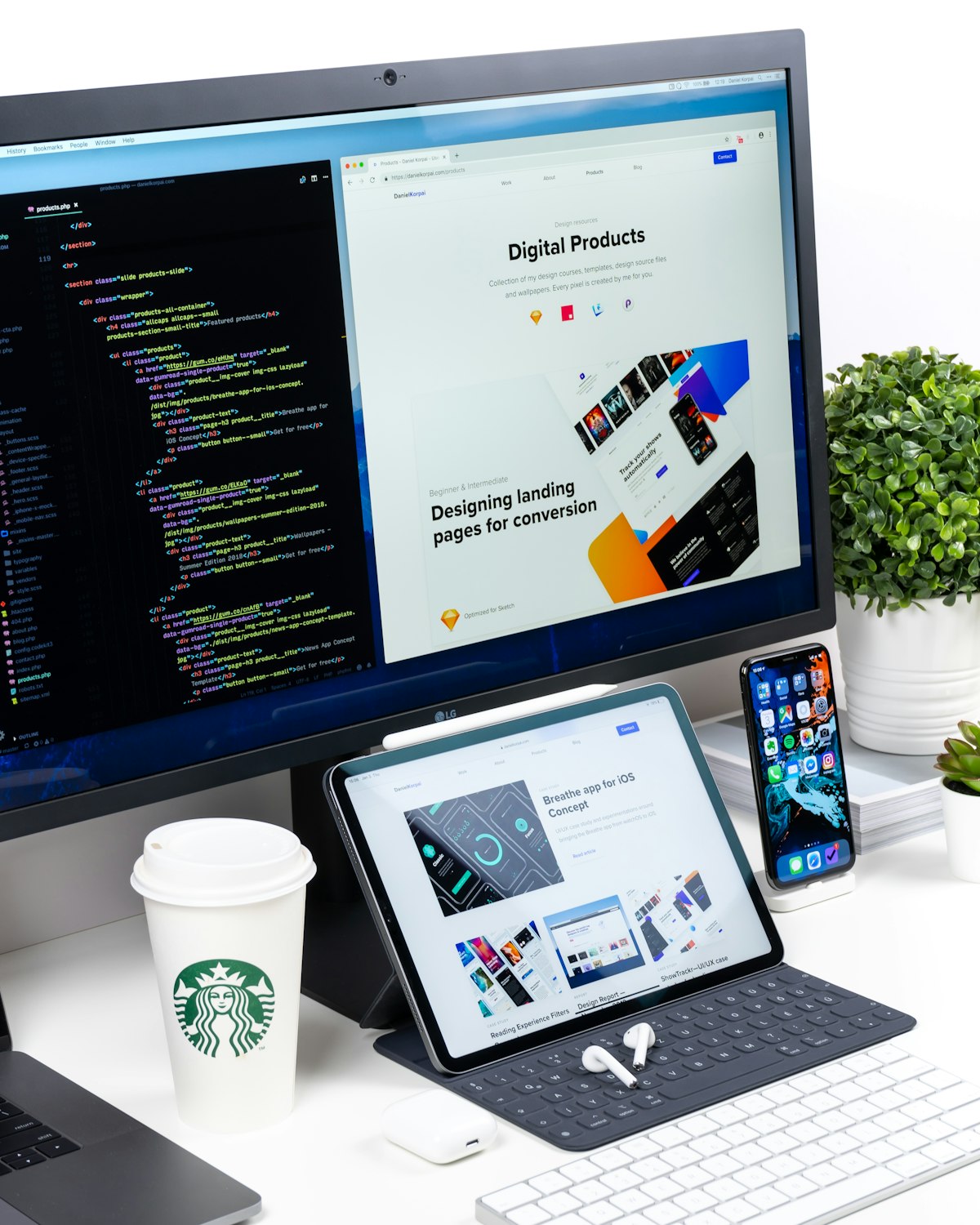
- Add a 3-column section (or 2 columns).
- In the left column, drag the Site Logo widget.
- In the center/right column, drag the Nav Menu widget and select your menu.
- In the rightmost column, add a Button widget for your CTA.
Step 3: Style and Make Sticky
- Set the section background to your brand color or white.
- Adjust padding to control header height.
- In Motion Effects, enable Sticky set to “Top” so it follows the user while scrolling.
Step 4: Set Display Conditions
Click Publish, then select Entire Site to apply globally — or configure different headers for specific page types.
Part 2: Building a Custom Footer
Design a Multi-Column Footer
Follow the same process, choosing Footer as template type. Common layouts include 4-column (about, links, links, contact), 3-column (logo, links, social icons), or a 2-row layout with a copyright bar at the bottom.
Add a Copyright Bar
- Add a second section below the main footer columns with a slightly darker background.
- Add a Text widget with your copyright notice on one side.
- Add Social Icons or secondary nav on the other side.
Pro Tips
- Use Global Widgets for contact details appearing in both header and footer.
- Create a transparent header variant for homepage hero sections.
- Always test the hamburger menu behavior on mobile devices.
With FluxBuilder’s Theme Builder, your header and footer are no longer limited by your theme — they’re as unique as your brand.
Leave a Reply